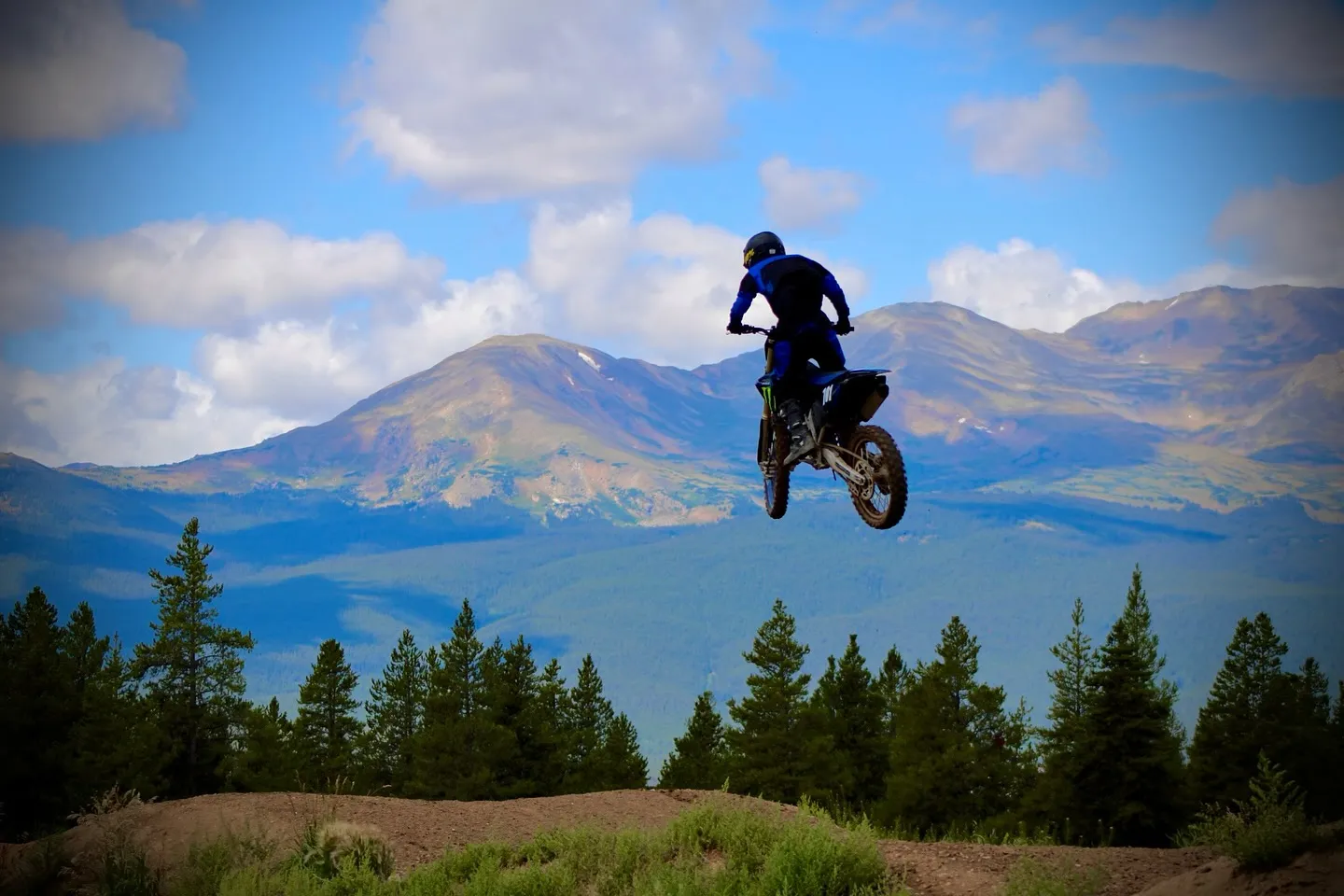
Find answers to common questions about using Leadville MX Park — from creating your account and buying passes to arriving at the track on ride day.
- How do I create an account?
- Your account is created automatically when you purchase your first day pass. Enter your email or phone number, and we'll send you a one-time code to verify your identity. That's it — no passwords to remember.
- How do I log in?
- Tap "Account" in the navigation and enter your email address or phone number. We'll send a 6-digit code to that address. Enter the code to access your account. The code expires after a few minutes, so use it promptly.
- Can I log in with either my email or my phone number?
- Yes. You can use whichever one you registered with. If you've verified both, either one works.
- I'm not receiving my login code. What should I do?
- Check your spam/junk folder for email codes. For text messages, make sure your phone number is correct in your profile. If you're still stuck, wait 30 seconds and request a new code. If the problem continues, contact us through the form on the homepage.
- Can I change my email address or phone number?
- If your email or phone is already verified (used to log in), it's locked to protect your account. Contact us to update a verified email or phone number. You can add or update an unverified contact method from your profile page.
- How do I buy a day pass?
- Tap "Get Day Pass" from the homepage or "Get a Day Pass" from your member dashboard. Pick a ride date, choose your pass types (riding adults, youth, and kids, plus any non-riding adults or minors), enter guest details and assign bikes to riders, assign guardians for any minors, sign waivers, and pay.
- How much does a day pass cost?
- Pricing varies by day. The current price is shown on the calendar and during checkout. Youth riders (13–17) and kids (under 12) each have their own separate, lower rate.
- How much do kids under 12 cost?
- Kids under 12 have their own rate, lower than youth and adult pricing. Add them during checkout so they're covered by the waiver and counted for the day.
- What about non-riding family members?
- Spectators and non-riding family members attend free. During checkout, add them under the "Not Riding" section — "Adult (18+)" or "Minor (under 18)." No bike is needed for non-riders, but non-riding minors still need a guardian assigned and a waiver signed on their behalf.
- Can I buy a pass for someone else?
- Yes. When adding guests during checkout, enter their name. Riders also need a bike assignment. Every guest needs a waiver signed, and minors need a guardian assigned.
- My order total is $0. Do I still need to check out?
- Yes, but you'll skip the payment step entirely. Free orders (non-riders only) activate immediately and you'll still get a confirmation.
- Can I cancel or get a refund?
- Contact us to request a cancellation. Refunds are handled on a case-by-case basis.
- What is a guardian and when is one required?
- Every guest under 18 — whether riding or not — must have an adult guardian assigned. The guardian can be one of the adults on the pass, or you can enter a guardian's name. Guardians sign the minor's waiver on their behalf.
- Can one adult be the guardian for multiple minors?
- Yes. A single adult can serve as guardian for multiple youth or kid riders on the same pass.
- What rider types are there?
- Adult (18+), Youth (13–17), and Kid (under 12). Each has its own rate — adults are the standard price, youth and kids have lower rates. For spectators, the checkout has a "Not Riding" section with Adult (18+) and Minor (under 18) categories — non-riders are free.
- How do I add a bike to my account?
- Go to the Bikes page from your dashboard. Tap "Add Bike" and enter the make, model, and optionally the year, color, and registration number. Your bikes are saved for future purchases.
- Can I add a bike during checkout?
- Yes. If you don't have a bike saved yet, you can add one inline during the checkout process when assigning bikes to riders.
- Can I edit or remove a bike?
- Yes. Go to the Bikes page, find the bike, and tap the edit (pencil) or remove (trash) icon. Removing a bike won't affect past passes — it just won't appear as an option for future purchases.
- How do I get the gate code?
- The gate code is sent to you the evening before your ride day via both email and text message. Do not share your gate code with anyone.
- I didn't get my gate code. What do I do?
- Check your email (including spam) and text messages. Gate codes are sent the evening before. If you still don't have it the morning of your ride, contact us.
- What time does the track open?
- Ride days are Saturday and Sunday, 10:00 AM to 4:00 PM. Arrive with enough time to unload and gear up. All vehicles must leave by end of operating hours.
- Where do I park?
- Park only in designated parking areas. Do not block gates, roads, or emergency access. Close and secure the gate behind you on entry and exit.
- How do I update my profile?
- Go to the Profile page from your dashboard. You can update your name, vehicle plate, and emergency contact. If you have an unverified email or phone, you can add or update it here too. Your plate is used for gate and parking identification.
- Where can I find my past purchases?
- Go to the Purchases page from your dashboard. All your past and upcoming passes are listed there. Tap any pass to see full details.
- Can I download my receipt or waiver?
- Yes. Tap any pass in your purchase history, then use the "Print Pass" button for your receipt or "Print Waiver" for your signed waiver PDF.
- What gear is required?
- DOT-approved helmet, goggles, over-the-ankle boots, gloves, and long pants/sleeves are all required. A chest protector is strongly recommended. See our full Rules page for details.
- What vehicles are allowed?
- Off-road motorcycles only. No ATVs, UTVs, or side-by-sides. Bikes must have functioning brakes, throttle, kill switch, and spark arrestor. No leaking fluids or slick tires.
- What is a Full Prep Day?
- A Full Prep Day means the track has been prepped with water for optimal riding conditions. When a day is marked as Full Prep, you'll see a badge on the calendar and during checkout. If no badge is shown, the track is open with natural conditions.
- What happens if I break a rule?
- Violations may result in immediate removal from the park without a refund. Management reserves the right to refuse entry or revoke access at any time. Review the full Rules page before your visit.
Still have questions? If you can't find the answer here, please contact us and we'll be happy to help.